
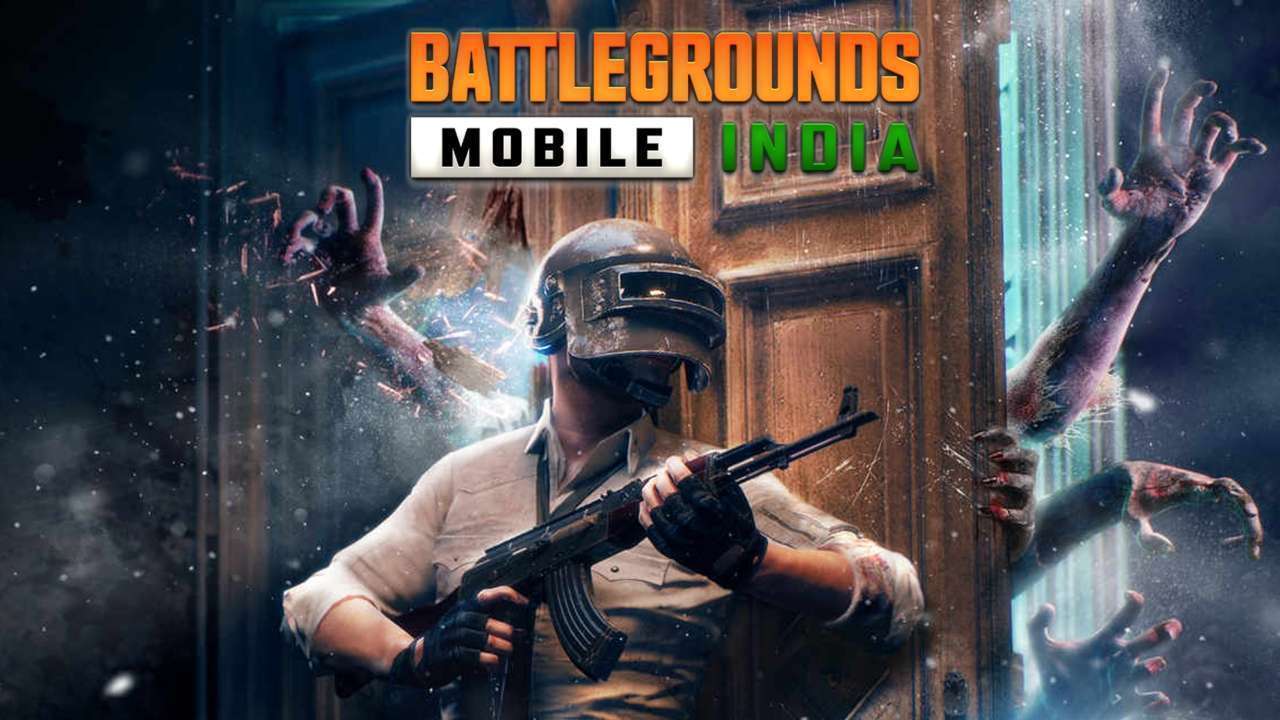
Battlegrounds Mobile India: Step-by-step guide to transfer data from PUBG Mobile India to BGMI
The official version of Battleground Mobile India (BGMI) was released for Android users on July 2. There has been quite a lot of speculation about the data transfer ever since the South Korea-based developer Krafton announced that it will temporarily shut down the option for transferring the old PUBG data to BGMI from July 6. Krafton also apologised in a statement for causing inconvenience due to the temporary shut down of data transfer though the company had earlier said that the data transfer would be available till December 31. Step 1: To begin with the data transfer process, one must log into the BGMI game and accept the terms and conditions. Also read Battlegrounds Mobile India launch: BIG blow to PUBG Mobile India fansStep 4: A new window will pop up asking if you want to transfer the data from an SNS account.
Source: dna July 05, 2021 10:41 UTC